

Back to News
Product Update·OpenMax Team
OpenMax Biweekly Update (Sep 14–28): Scheduled Tasks Are Here
4 releases and 11 new capabilities in two weeks: scheduled tasks go live, MCP and WhatsApp Business connections, model selection, and more reliable @mentions.
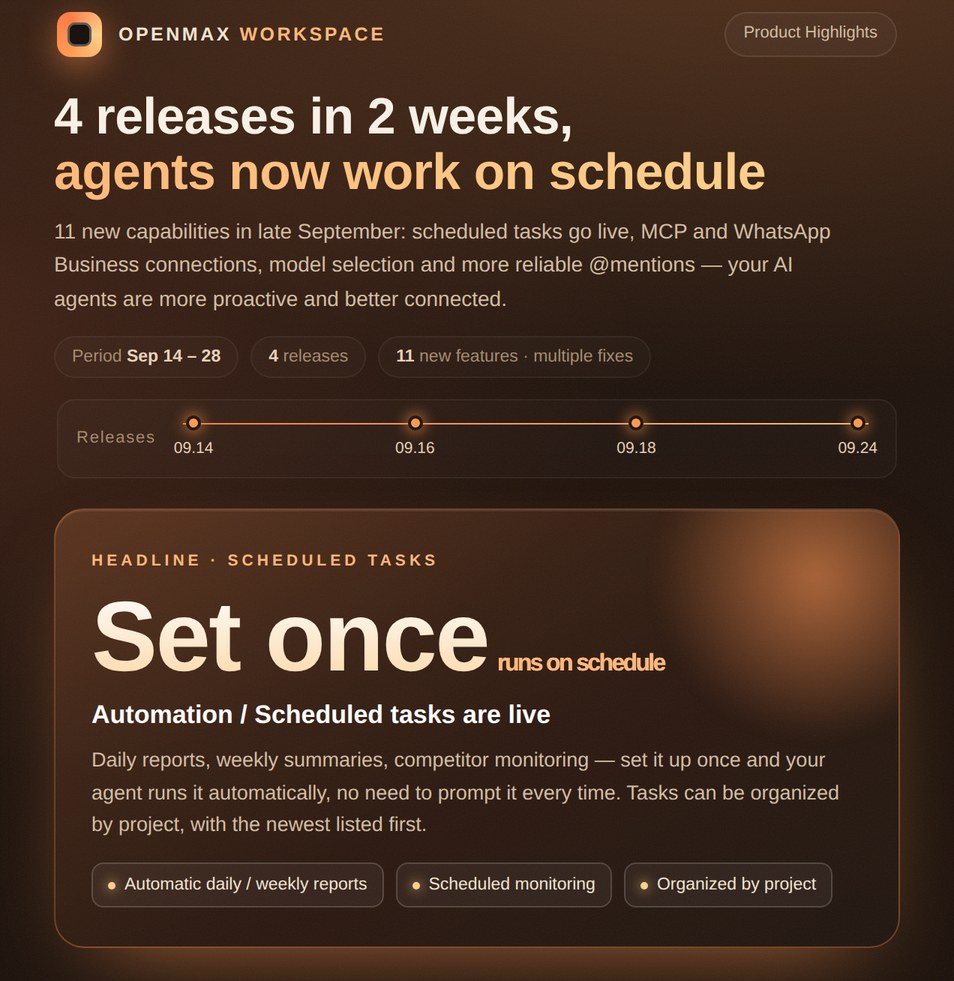
In the second half of September, OpenMax Workspace shipped 4 releases (Sep 14, 16, 18 and 24) with 11 new capabilities. The headline is scheduled tasks — your AI agents no longer just wait for instructions; they get work done on schedule.
Headline: Scheduled Tasks
Four new automation capabilities ship in this update:
- Scheduled tasks are live: daily reports, weekly summaries, competitor and metric monitoring — set it up once and your agent runs it on schedule, no need to prompt it every time
- Manage tasks by project: maintain project members, and the Inbox shows all tasks by default
- Newest first: the automation task list is sorted by most recently created
- Inbox by default: new tasks are assigned to the Inbox project by default, saving a step
Connect More Tools
- MCP support: connect your own systems or third-party MCP servers through custom connectors (OAuth supported) and let your agents call them directly
- WhatsApp Business: connect your business account and reply to customers worldwide through your agent
- Shopify connector: hand store products, orders and customer data straight to your agent
Agents & Models
- Choose your model: smarter defaults, plus the option to pick a specific model
- Built-in guide for new agents: newly created agents come with OpenMax know-how — just ask them how to connect a channel or use a feature
Conversations
- Highlighted @mentions: mentioned names appear as clear labels in group chats
- Agents can @mention people: agents can now mention specific teammates directly in their messages
Stability & Polish
- Fixed agents getting stuck in an "unknown" status; switching models after changing the runtime no longer errors
- Fixed WhatsApp connection failures and re-scan errors; @mentioning a teammate in a group now reliably notifies them
- Messages can be selected and copied on web; no more scroll jumping on iOS; departed members are removed from group lists promptly; the @ picker only shows current group members when editing
Try It Now
Sign in to OpenMax Workspace to use these features today. Want help setting up scheduled tasks or connecting MCP? Get in touch.